

We’ve been busy making Dyzio even easier to use. Here’s a look at the latest features now available in the platform.
Say goodbye to adding influencers one by one 👋
We’ve made it much quicker to add influencers to your Dyzio campaigns.
With our new Influencer CSV Uploader, you can upload a list of influencers directly from a spreadsheet and add them to your campaign in one go.
Whether you’re bringing across an existing creator list or adding a new batch of influencers, there’s no need to enter every profile individually.
Upload your CSV. Add your influencers. Done.
You’ll find the uploader within your campaign dashboard.
Creator comms just got a whole lot easier ✉️
Our new Ad Hoc Emailer lets you email individual influencers or group creators together based on their workflow status within each campaign.
That means you can quickly send messages such as:
Product shipment updates
- Reminders to order or redeem a gift
- Content deadline reminders
- Campaign updates
- One-off messages to individual creators
Emails can also be white-labelled to your brand, so communications feel like they’re coming directly from you.
TikTok Stories Tracking
Another piece of creator content you no longer need to track manually.
Dyzio can now automatically capture TikTok Stories posted by influencers participating in your campaigns.
Just like the rest of your campaign content, TikTok Stories can now be pulled into Dyzio alongside your other creator posts, helping you get a more complete picture of campaign activity.
So whether it’s a permanent TikTok or a Story that disappears after 24 hours, your campaign tracking has it covered.
More content captured. Less manual checking.
Log into your campaign dashboard to take a look.
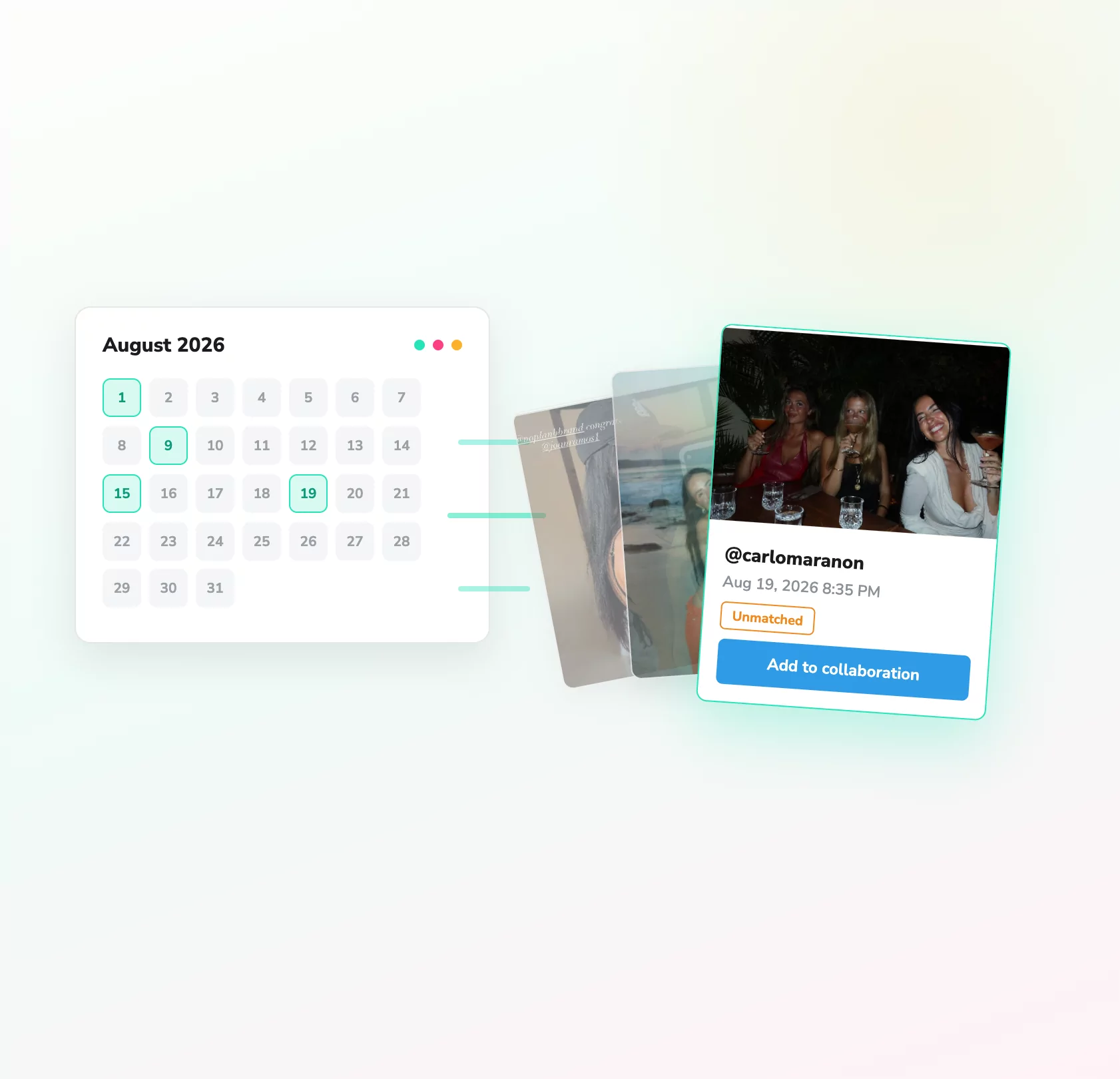
Missed an influencer Story? You can now add it to Dyzio
Never lose a Story again 👀
We know Stories can be easy to miss, especially when you’re running campaigns with hundreds of influencers.
So we’ve added another way to make sure your campaign reporting stays complete.
If a Story hasn’t been added to your campaign, you can now head to the influencer’s Story History within Dyzio, find the relevant Story and add it directly to your campaign dashboard.
And it’s not just the content that gets added – the Story’s available metrics are brought across too, so it can be included within your campaign reporting.
No screenshots. No manually entering Story data. No missing campaign content.
You’ll find Story History through the influencer’s profile within your campaign.
Influencer Geolocation
Want to know where your campaign content is actually being created?
Dyzio can now add location data to influencer Instagram posts and Stories, allowing you to see campaign activity plotted geographically.
It’s particularly useful for campaigns where location matters – whether you’re looking to understand regional creator activity, support an in-store activation or see how far your campaign has travelled.
With the new geolocation view, you can spot regional trends and understand where content is being posted without manually going through creator profiles.
One campaign. One map. A much clearer view of where your content is landing.
Head to your Dyzio dashboard to check it out.