

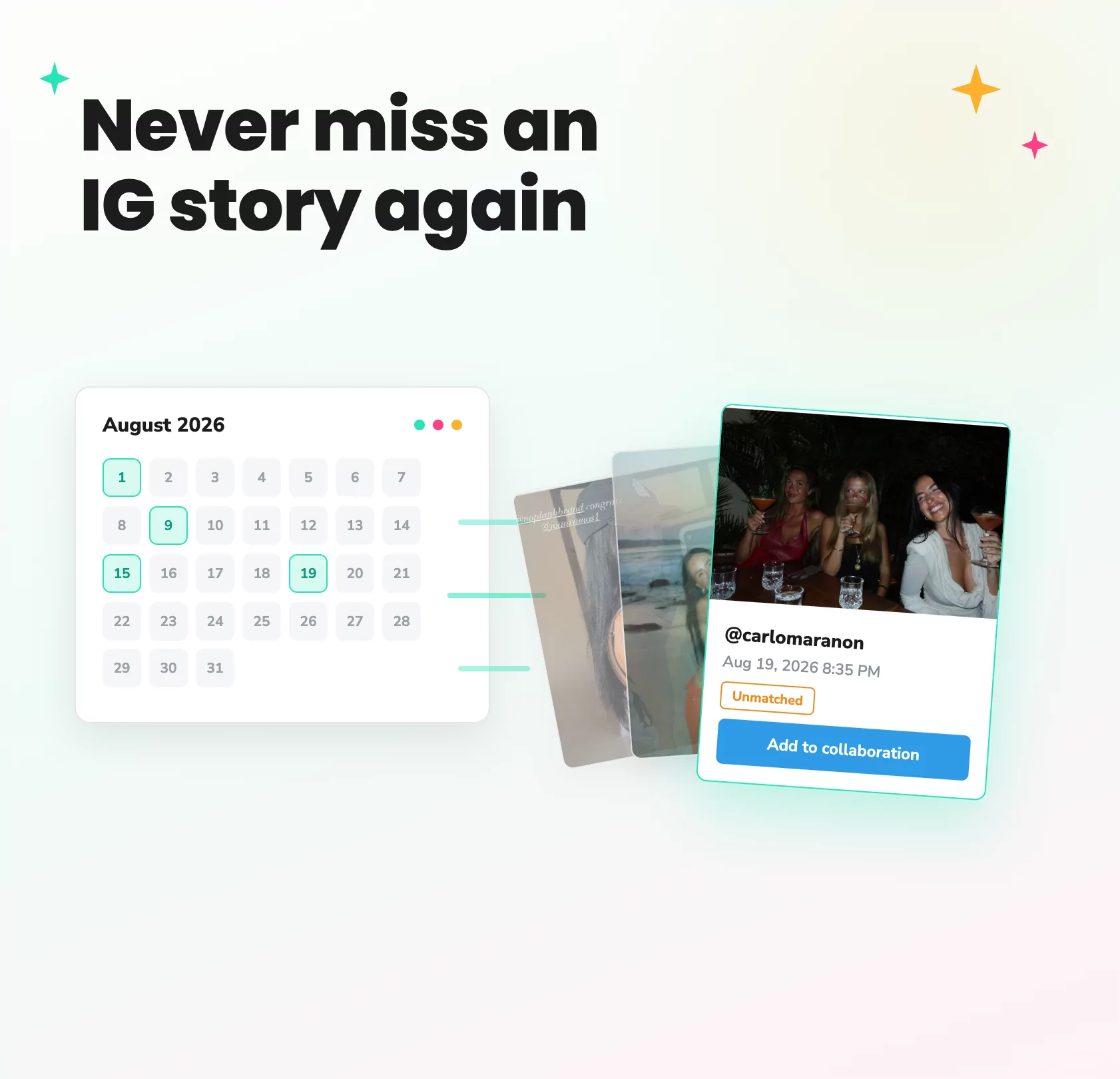
Recover the influencer Stories you thought you’d missed
When you’re running influencer campaigns, not every piece of content makes it into your reporting.
Stories are particularly easy to lose, a creator might forget to tag your brand, miss the campaign @mention, or post several Stories in quick succession with only one tagged.
Story History, a feature in Dyzio, helps you recover that missed content. It gives you a way to find Stories that weren’t automatically captured and add them back into your campaign reporting.
When an influencer posts about your campaign but forgets to tag your brand or include the campaign @mention, that means valuable content was missed from your reporting, even though the influencer had posted it.
Rather than chasing creators for screenshots or manually searching through Instagram, you can view an influencer’s Story history directly from their profile, find the content you’re looking for and add it to your campaign, along with its available metrics.
Here’s how it works:
1. Go to your campaign
Open the campaign you’re working on and find the influencer whose Story you’re looking for.
Story History is available directly within each influencer’s profile, so you don’t need to leave your campaign or search elsewhere for the content.
2. Open the influencer’s profile
Click on the influencer to open their profile and view their campaign activity.
Here, you’ll see the content Dyzio has already automatically attributed to your campaign, as well as the option to review their wider Story history.
3. Click “Review all Stories”
At the top of the influencer’s campaign activity, click “Review all Stories” to open their complete Story History.
This shows you the influencer’s Stories from since they were added to your campaign – including Stories that weren’t automatically matched to your campaign.
Important: So if an influencer posted several Stories from your event but only tagged your brand in one of them, you can use Story History to find the others.
4. Find the Story you’re looking for
Browse the influencer’s Story History to find the content you want to add to your campaign.
If they’ve posted a lot of Stories, you can use the available filters to narrow your search by date range or platform, making it easier to find the relevant content.
This is particularly useful for events, launches and gifting campaigns where creators may post multiple Stories in a short period of time.
5. Click “Add to collaboration”
Once you’ve found the relevant Story, click “Add to collaboration”.
The Story will be added directly to your campaign dashboard, alongside its available metrics, so it can be included in your campaign reporting.
There’s no need to screenshot the Story, manually enter a URL or ask the influencer to send it over.
Why use Story History?
Influencer Stories are easy to miss. A creator might forget the campaign @mention, post a series of Stories and only tag your brand in one.
Whether you’re running an event with 100 creators, a gifting campaign or a large-scale ambassador programme, those missed Stories can quickly add up.
Story History gives you a way to go back and find that content, so you never miss what creators actually posted.
Want to see how Story History could work for your campaigns? Get in touch with our team and we’d be happy to show you how Dyzio helps you find missed Stories, track creator content and keep your campaign reporting complete.
If you need any help using Story History or adding Stories to your campaigns, please get in touch with Matt at info@dyzio.co and we’ll be happy to help.